
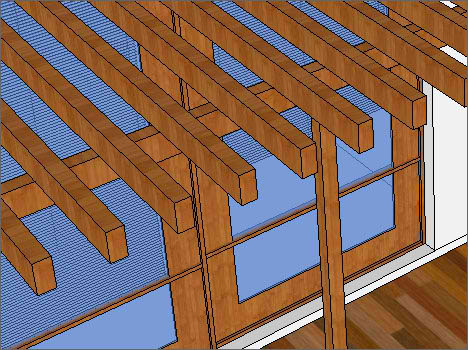
I have come to realize that first time user of SketchUp tend to ask me the same question – How to Array in SketchUp? Repeating an object in SketchUp is easy, the tutorial below is just one of the many methods, for soon to be SketchUp users, here is the answer:
1. Select the object.
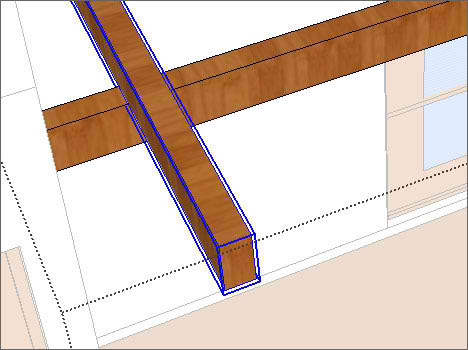
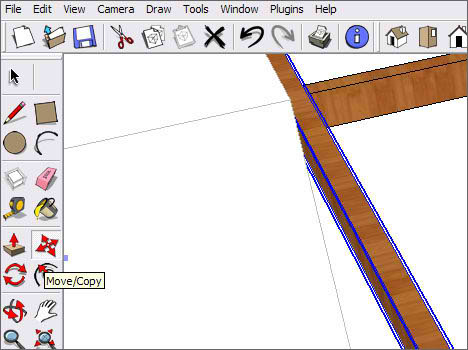
2. Then select Move/Copy.
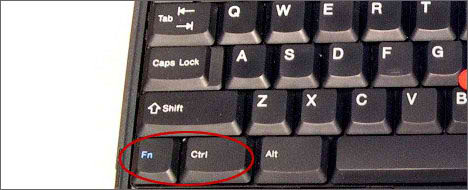
3. Hold down the Ctrl key.
4. Select the end point of an object (while holding down the Ctrl key).
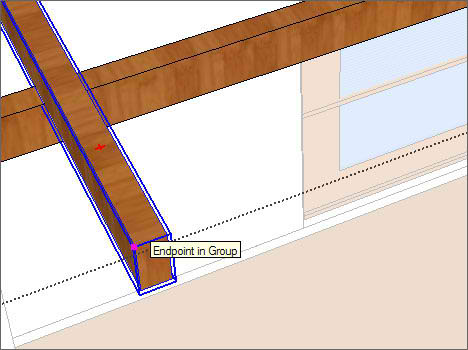
5. Move or align the object according to the Axis (Green/Blue/Red), do not release the Ctrl key yet!
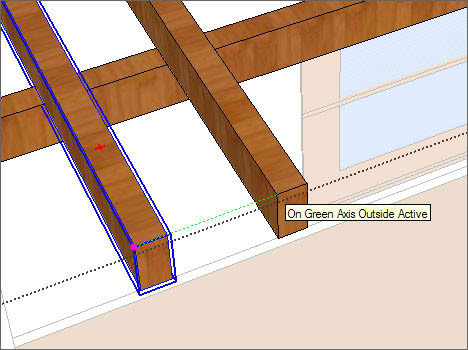
6. After aligning the object according to the axis, release the Ctrl button and Key in the distance and hit enter.
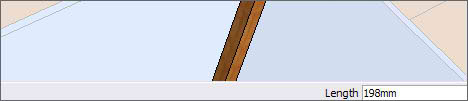
7. Repeat step 1 to 5, this time instead of keying in the distance, simply take the neighboring object as the reference point.
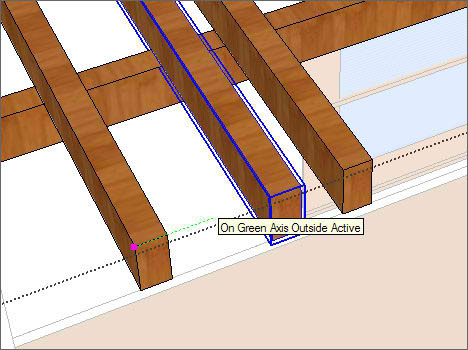
8. Or just type “x5” for having 5 identical arrayed copies. Thanks Vasko for the wonderful tips.




After the first copy, you can just type “x5” for having 5 arrayed copies with the same distance (or any number after “x”, depending on how many copies you want). This can save you a lot more time :)!
Great blog, btw :)! Keep up the good work!
I don’t know if you know this, but actually, you don’t need to hold down the “ctrl” button.
Just tap once and there will be a “plus” symbol beside the “move cursor”.
There is another way too, the so called “internal arrays”. You copy the object to say distance x from the original, and then you type n/, where n is the number of copies. This will create n-1 additional copies IN BETWEEN the original and the copy you made, separated by x/n. Very handy.
Thanks! x1000!
thanks n/enter